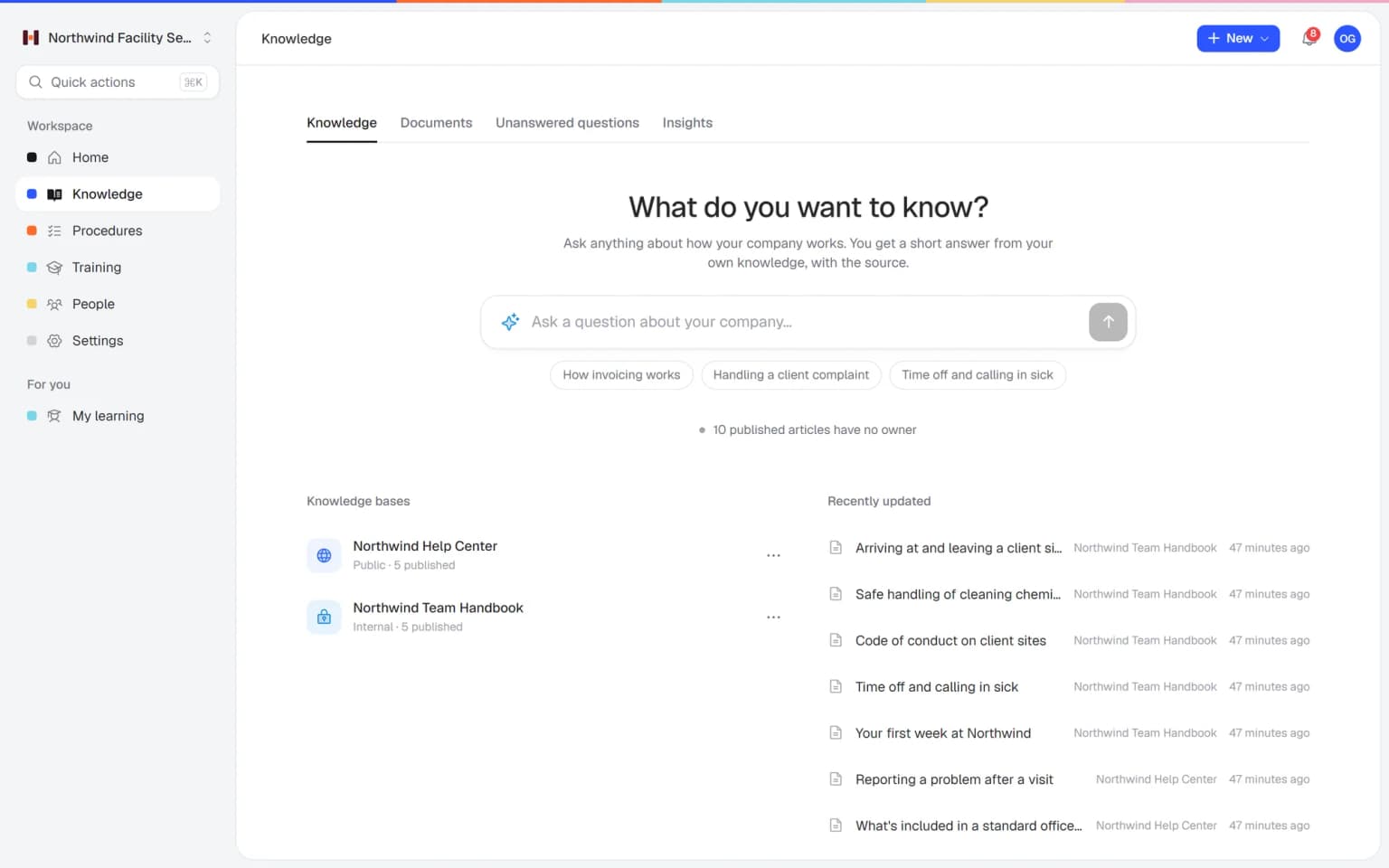
Most small teams keep their know-how in a shared Google Drive or SharePoint folder at first. These are the questions people search when that folder stops working as a knowledge base, answered with the facts on this page.
Can I use Google Drive as a knowledge base?
Yes, a shared Google Drive works as a knowledge base for a small team with a handful of documents, and Helpable becomes useful once you need one current version of each procedure, proof of who read it and training for new people.
Drive is free to start, familiar and often already paid for. The trouble usually starts around the tenth hire. Copies called final_v3 pile up, someone downloads the opening checklist to their desktop and edits it there, and a new colleague finds two handbooks with different holiday rules. Older versions of a file can disappear from Drive after 30 days or 100 newer versions unless you choose to keep them. See how document version control works in Helpable.
Google Drive alternative for SOPs and procedures
For procedures people have to follow, Helpable is a Google Drive alternative with numbered steps, images and checklists, one owner, a review date and one published version with its history.
A Word file in a folder has none of that structure. A cleaning supervisor who changes the steps for a kitchen deep clean edits the document, and nobody knows what changed or when it should be checked again. In Helpable each new version gets a short summary of what changed, and the owner sees when the next review is due. Read more about SOP software.
How do I know who read a document in Google Drive?
Google Drive shows who can open a file, and Helpable shows who read and confirmed each version of a procedure, with an overview of who is still pending.
With a folder, the usual way to share a change is an email asking people to read the new version. Some open it, some don't, and you find out when something goes wrong. In Helpable you publish the change, everyone assigned is asked to confirm, reminders go out by email, and you can show per person who confirmed which version and when. Read confirmations are part of every plan; see read and acknowledge.
Onboarding software or a folder of files for new hires?
Helpable gives new hires a clear path through lessons, quizzes and due dates, which a folder tree can't offer on its own; we found no quizzes, courses or certificates in Drive or SharePoint.
A folder makes sense to the person who built it. A new colleague opens fourteen subfolders and doesn't know where to start. In Helpable you upload the handbook and policies you already have as PDF or Word, Helpable makes them searchable and suggests article drafts, and AI drafts a training with lessons and quiz questions that link back to the sources. You check it, assign it with a due date and see scores per person. More on employee onboarding software.
Gemini or Copilot versus a knowledge base with AI answers
Gemini in Drive answers from your files with the source, Copilot in SharePoint needs a Microsoft Copilot license, and Helpable answers from your own articles, procedures and documents with a link to the source.
An answer is only as good as the files behind it. If Drive holds three versions of the travel policy, an AI answer may quote the old one. In Helpable answers come from published articles and procedures with one current version, and questions it can't answer land on a list of gaps to write down. People only get answers from content they are allowed to see.
Moving from Google Drive to a knowledge base: where to start
Moving from Google Drive to Helpable starts with the documents people open every week, downloaded as PDF or Word and uploaded as documents that turn into article drafts you check.
There is no direct Google Drive connection yet. Start with the procedures new people need in their first weeks, then the handbook, then the rest as questions come in. Keep Drive or SharePoint for contracts, sheets and slides; most teams use both. Drive stays enough for a small team with a few documents and no need to train people or prove who read what. For a wider look at knowledge base software, see internal knowledge base software or the Notion alternative.