Recurring training

Recurring training software

Helpable is recurring training software that repeats a training every 6, 12 or 24 months and assigns it to the same people again. Certificates can expire with a reminder before they do, and when a linked procedure changes you can ask people to redo the training. You see who is up to date and who is overdue.

  • Repeat every 6, 12 or 24 months
  • Certificates that expire
  • Refresher after a change
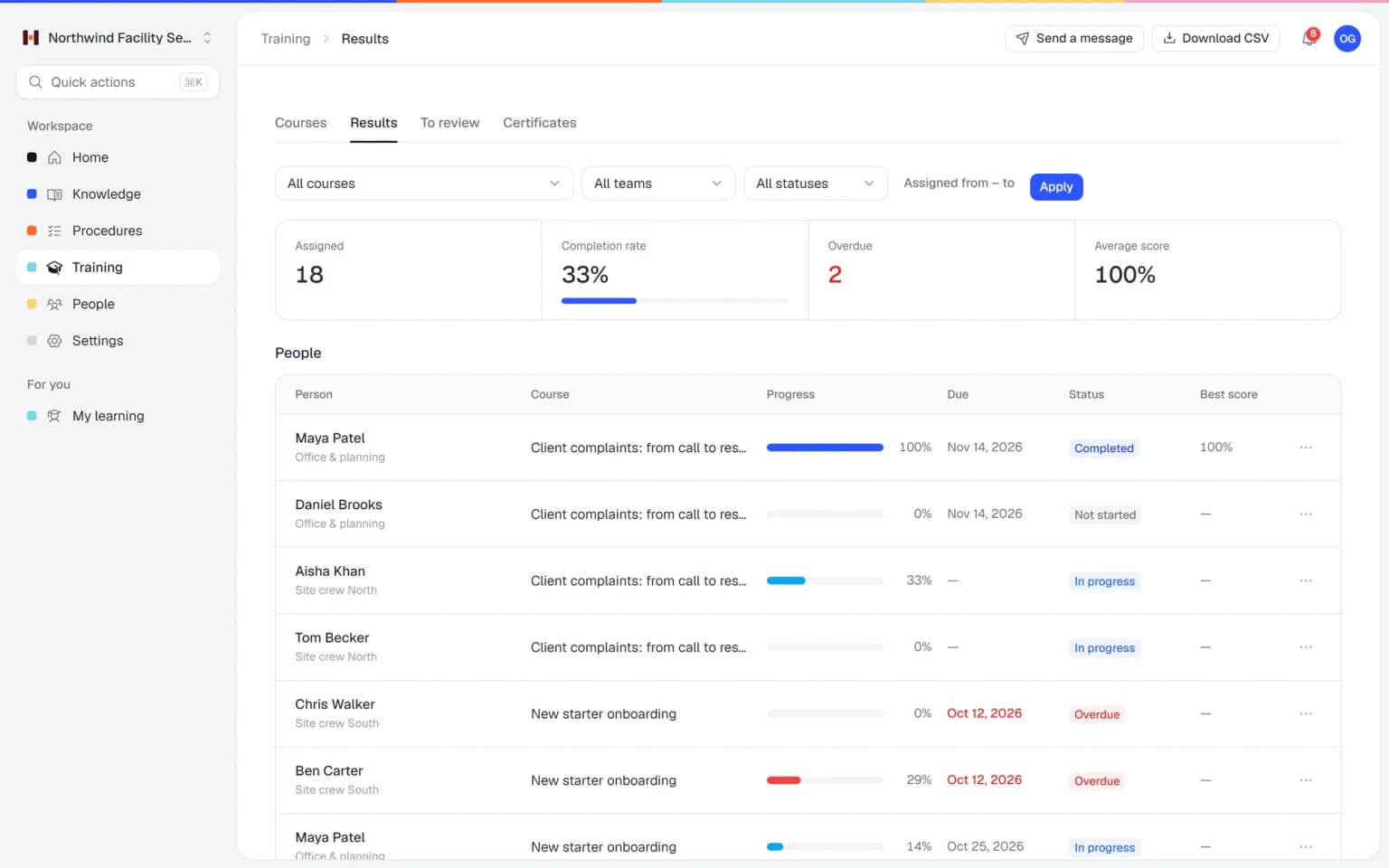
The Helpable overview with open acknowledgements, people overdue on onboarding and progress per training, including safe handling of cleaning chemicals

What recurring training does

Some training only counts if people take it again: safety, hygiene, handling customer data, the rules for working on a client site. Helpable brings those trainings back on a fixed interval, keeps certificates current and tells you who still has to finish. Repeating a training every 6, 12 or 24 months is part of Business Max; certificates with an expiry date are part of Business Max as well.

  • A new round starts on its own date
  • A reminder before a certificate expires
  • Redo the training after a procedure change

How recurring training works

Set it up once per training. After that, every round follows the same steps.

  1. Pick the interval

    Set a training to repeat every 6, 12 or 24 months, and give its certificate an expiry in months if you use one.

    Pick the interval: how it looks in Helpable
  2. Assign it once

    Assign the training to people, a team or everyone, with a due date. A new round is assigned again when it's due.

    Assign it once: how it looks in Helpable
  3. Let reminders do the chasing

    People get a reminder before the due date and when they're overdue, and managers hear about overdue training.

    Let reminders do the chasing: how it looks in Helpable
  4. Refresh after a change

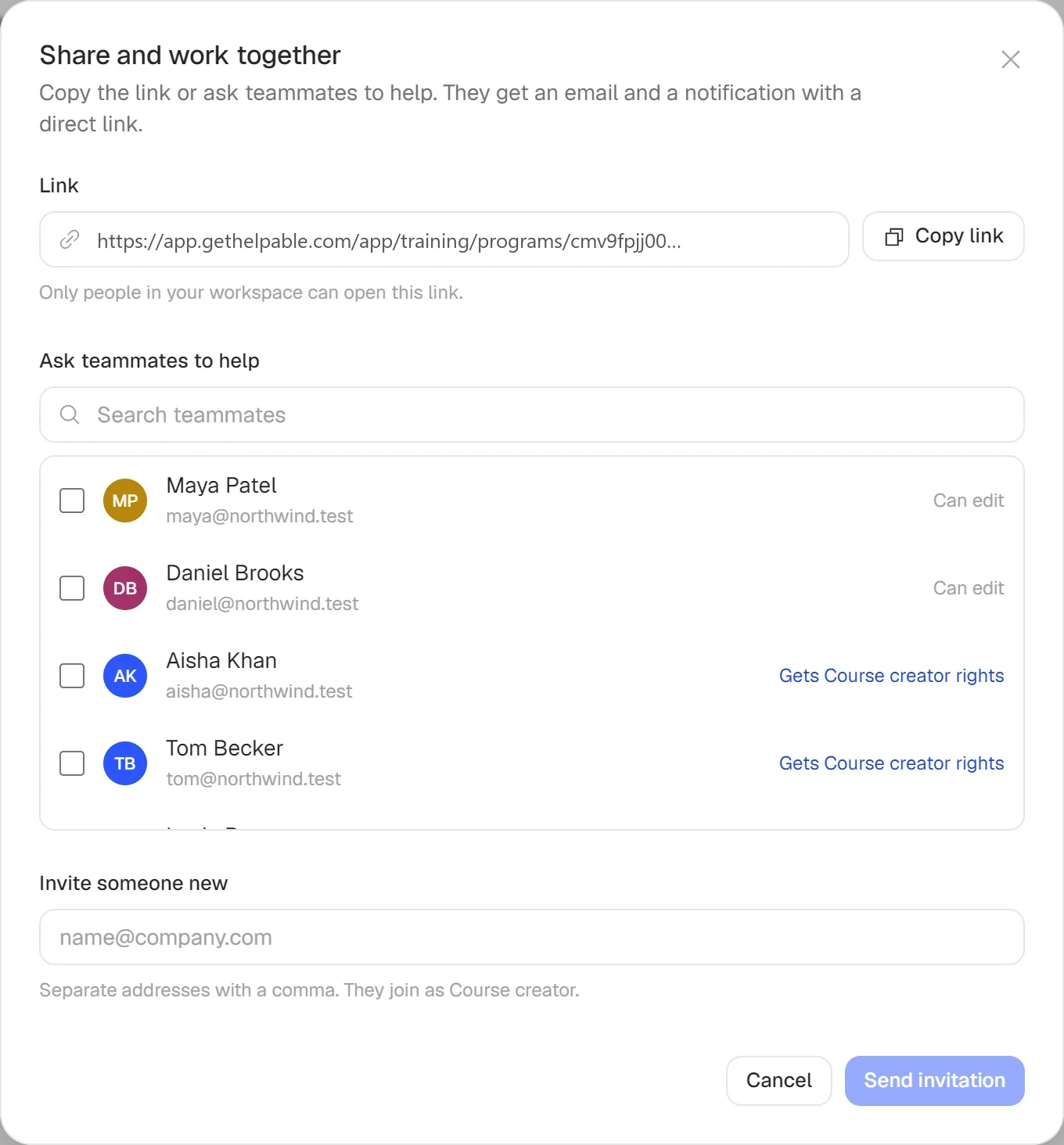
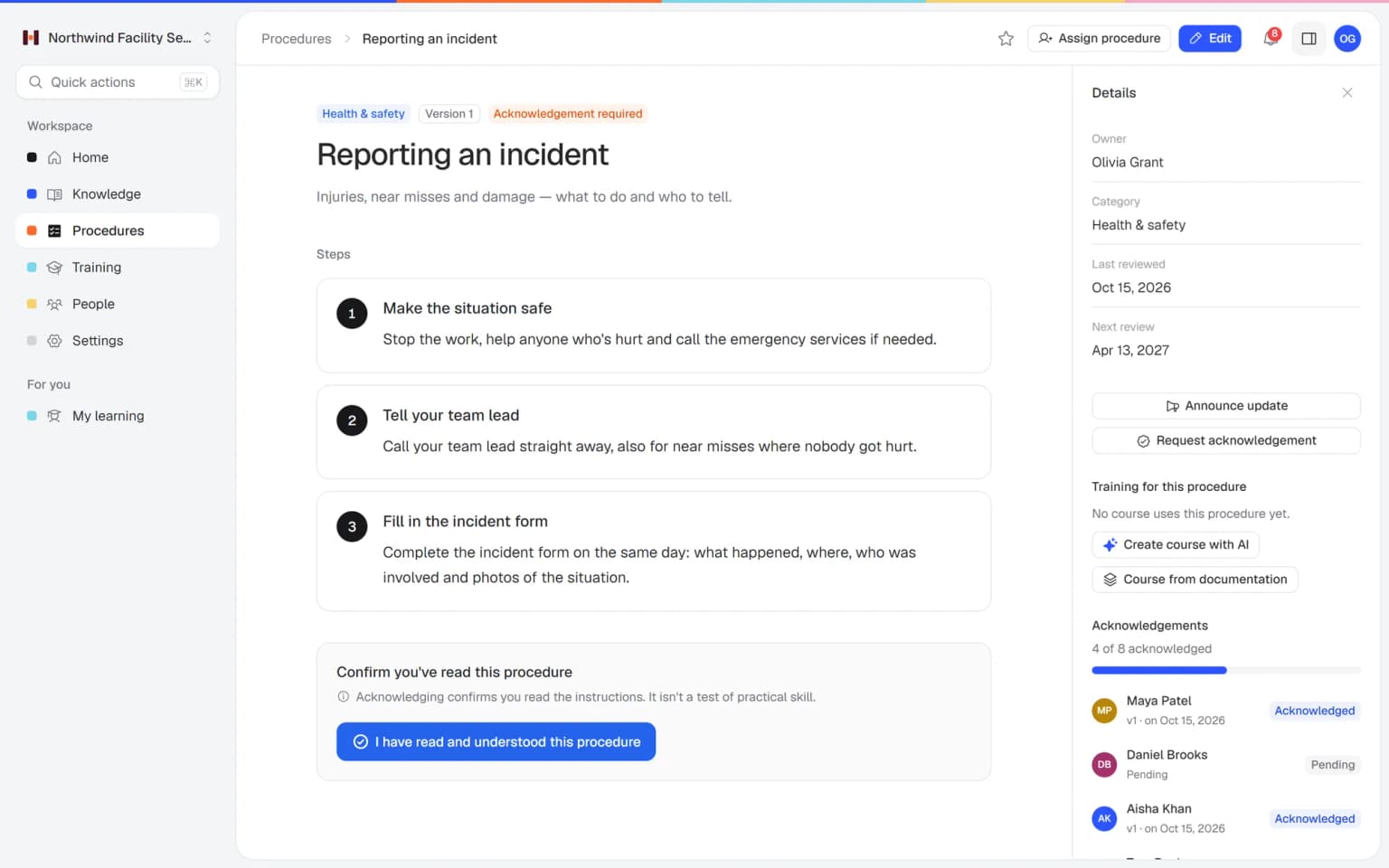
    When a procedure linked to the training changes, ask the people who finished it to take the training again.

    Refresh after a change: how it looks in Helpable
  5. Check who is current

    Reports per training, team and person show who finished this round, whose certificate expires soon and who is late.

    Check who is current: how it looks in Helpable

Yearly training that runs itself

You decide what has to be repeated and when; Helpable keeps every round on schedule.

Every round on the calendar

See the interval, the date of the next round and how many people finished the last one. A changed procedure and an expiring certificate show up in the same place.

  • Repeats every 6, 12 or 24 months
  • Next round starts on its date
  • Expiry reminders for certificates

Spot the team that is behind

Progress per team shows who completed the current round and how many people are overdue, so you know where to follow up.

Check what people remember

A short quiz at the end of each round shows whether the safety rules stuck, with an explanation after every answer.

Combine it

Recurring training works best with the rest of Helpable

A training that comes back is the start. Combined with other parts of Helpable, every round also renews certificates, checks knowledge and shows who is behind.

Where teams use recurring training

Training that has to stay fresh, because the work or the rules ask for it.

  • Safety on site

    A yearly refresher on safe working, incident reporting and protective gear, with a certificate that expires after twelve months.

  • Hygiene and chemicals

    Cleaning and food-handling teams repeat the hygiene rules and the safe use of products on a fixed rhythm.

  • Data and security awareness

    Everyone takes the security awareness training again each year, starting from the template in Helpable.

  • Customer policies

    Support and sales teams refresh the rules on refunds, complaints and privacy every six months, or after a procedure changes.

Who recurring training is for

Teams where some knowledge has to be checked again, round after round.

  • Teams on location and at client sites

    Cleaning, facility and installation teams that repeat safety and hygiene training every year.

    In practice: Every cleaner repeats the chemicals and hygiene training every 12 months. The new round is assigned on its own date, and reminders go out before the due date.

    See how
  • Shift teams with new and temporary staff

    Hospitality, retail and warehouse teams with food safety and safety rules that have to stay fresh.

    In practice: The food safety refresher comes back each year for the whole kitchen team. The team progress view shows which location still has people overdue.

    See how
  • Office and client teams

    Agencies, accountancy firms and recruiters that handle client data and repeat the rules for it.

    In practice: Privacy and client data rules return every 12 months for everyone who handles client files. The certificate expires on time, and a reminder goes out before it does.

    See how
  • Startups and software companies

    Teams that repeat security awareness and customer data rules each year as they grow.

    In practice: Security awareness training repeats yearly, starting from the template in Helpable. When a customer's security questionnaire asks, the report shows who completed this round.

    See how
  • Care, childcare and education teams

    Teams with certificates for lifting, medication or first aid that have to stay valid.

    In practice: Lifting techniques and medication training repeat every 12 months, each with a certificate that expires. Before it does, the carer gets a reminder, and the team lead sees who is late.

    See how
Made for teams in
Training with AI

A first version of a training from your own procedures, in minutes

Pick the articles and procedures that matter and AI drafts lessons and quiz questions that link back to their sources. You check it, adjust it and assign it to the people who need it.

  • Built from your own knowledge
  • Every lesson links to its source
  • Quiz questions drafted for you
  • Nothing goes live until you approve it
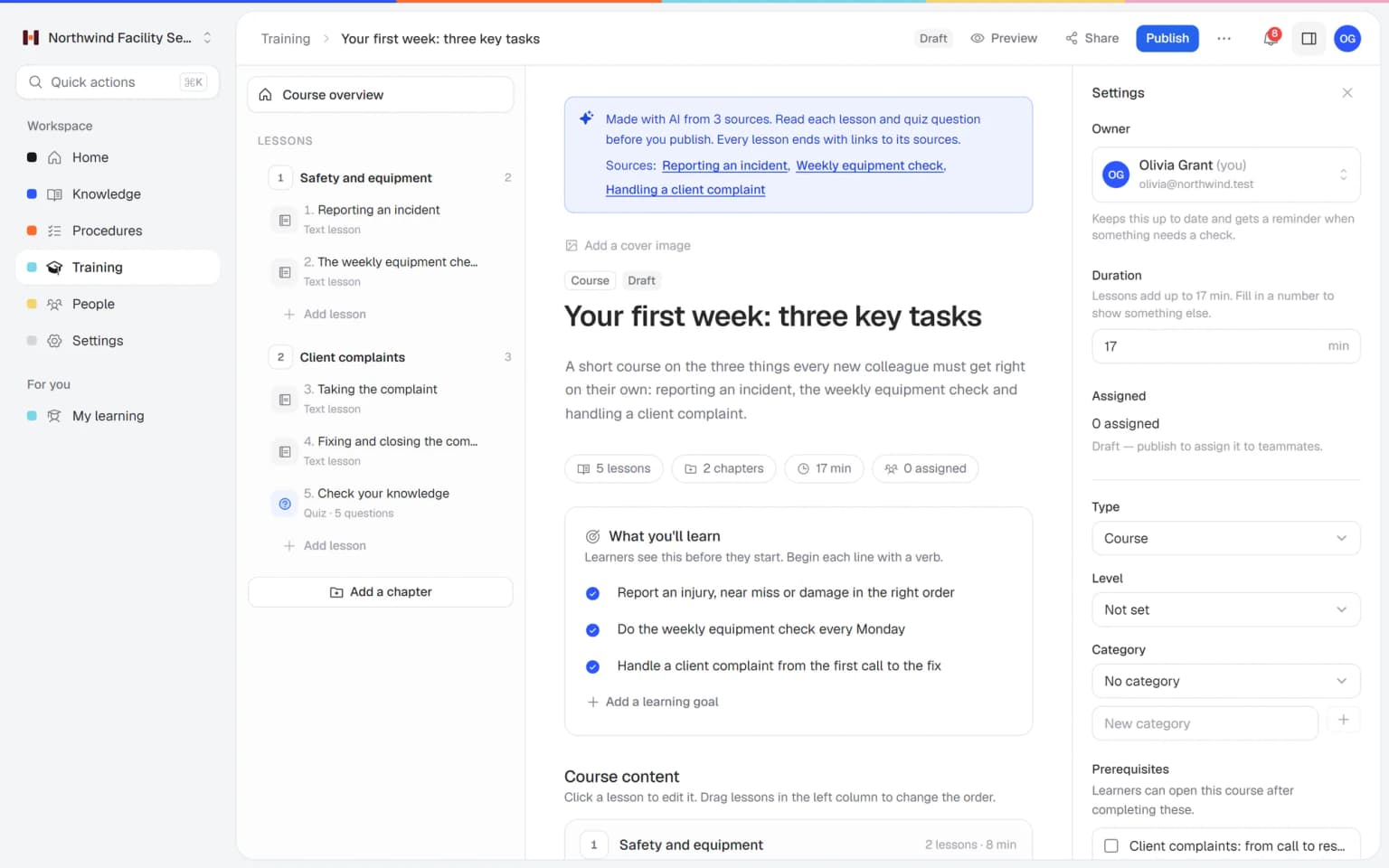
A training drafted by AI in Helpable, with lessons and quiz questions linked to the source articles

What you get with recurring training

Everything around a training that has to be repeated, in one place.

  • Repeat every 6, 12 or 24 months

    A training comes back on its interval and is assigned again to the same people. Part of Business Max.

  • Certificates with an expiry date

    Set how many months a certificate stays valid, with a reminder before it expires. Part of Business Max.

  • Reminders and overdue notices

    Reminders before the due date and when it has passed, and managers are told about overdue training.

  • Refresher after a procedure change

    When a linked procedure changes, ask the people who finished the training to take it again.

  • Reports per round

    Progress per training, team and person, with a CSV export when someone asks for an overview.

  • Quizzes with a pass mark

    Six question types, a pass mark and a limit on attempts, so a round shows what people know.

Pricing

A plan that grows with your team

Try Helpable free for 14 days, no credit card needed. Then pick the plan that fits your team.

Recurring training is part of Business Max, together with certificate expiry, renewal reminders and custom certificate templates. Business Plus has training, quizzes, due dates and certificates that do not expire.

Grow when you need to

Add these to Business and up, any time. You only pay for what you use.

  • More people

    Add people one by one as your team grows, for a fixed price per person on every plan.

    $9/month

  • A second help center

    A help center and handbook for another brand, location or client.

    $10/month

  • Only your brand

    Remove “Powered by Helpable” from your help center. Included in Business Max.

    $19/month

  • Cancel any time
  • Data stored in the EU

Questions about recurring training

Can't find your answer? We're happy to help.

What is recurring training in Helpable?

Recurring training in Helpable is a training that comes back on a fixed interval of 6, 12 or 24 months. When a new round is due, Helpable assigns it again to the same people, with a due date and reminders.

Which plan includes recurring training?

In Helpable, repeating a training every 6, 12 or 24 months is part of Business Max only. Certificates with an expiry date and a reminder before they expire, and custom certificate templates, are part of Business Max too. Business Plus includes certificates that do not expire.

Can certificates expire?

Yes. In Helpable you set how many months a certificate stays valid, and the person gets a reminder before it expires. Certificates can also be checked through a public verification page.

What happens when a procedure changes?

Helpable lets you ask the people who finished a training to take it again when a procedure linked to that training changes. That works next to the fixed interval, so a refresher can come sooner when the work changes.

Who gets reminders?

Helpable sends people a reminder before the due date and when a training is overdue. Managers are told about overdue training and can get a weekly summary email.

Does recurring training make us compliant?

Helpable helps you organize repeat training and shows who finished which round and when, with reports you can export as CSV. Which training your sector requires, and whether that is enough, is up to you and your advisers.

What does Helpable cost?

Helpable starts at $29 per month for Business, and Business Plus costs $89 per month. Recurring training is part of Business Max at $179 per month for 9 team members, and extra team members can be added.

Is there a free trial?

Yes. Helpable has a free trial of 14 days on Business Plus, with training, quizzes, certificates and practice conversations with AI, and no credit card is needed. Recurring training and certificate expiry come with Business Max.

Can people take the training on a phone?

Yes. Helpable works in the browser on phones, tablets and laptops, in English and Dutch. There is no native mobile app to install.

Where does Helpable store our data?

Helpable stores your data in the EU. Roles decide who can build training, assign it and see the reports.

Recurring training in Helpable: how it works

What recurring training is, how to set it up in Helpable, how it works with certificates and procedures, which teams use it and how Helpable compares with other training tools.

What is recurring training?

Helpable recurring training brings a training back on a fixed interval, so knowledge that has to stay fresh is checked again on time. Recurring training, also called refresher or repeat training, is training people take again after a set period: safety on site, hygiene, handling customer data or the rules for working at a client's location.

In Helpable you choose to repeat a training every 6, 12 or 24 months. When a new round is due, it is assigned again to the same people with a due date, and reminders do the chasing. For the wider picture of planning, assigning and reporting on training, see training management software.

How to set up recurring training step by step

Helpable needs a few minutes of setup per training, and after that every round runs on its own. First, pick the interval of 6, 12 or 24 months, and give the certificate an expiry in months if you use one. Second, assign the training to people, a team or everyone, with a due date.

Third, let reminders work. People get a reminder before the due date and when they are overdue, managers hear about overdue training and can get a weekly summary email. Fourth, check the reports to see who finished this round, whose certificate expires soon and who is late. When you have no training yet, start from one of the training templates or build one with training with AI from your own procedures.

Recurring training with certificates, quizzes and procedures

Helpable connects recurring training to the rest of your training, so each round proves something. Certificates can expire after a number of months, with a reminder before they do, and the next round renews them. A quiz with a pass mark at the end shows whether the rules stuck.

When a linked procedure changes, you can ask the people who finished the training to take it again, next to the fixed interval. Progress reports show completion per training, team and employee, with a CSV export when someone asks for an overview.

Refresher training for teams that work on location or in shifts

Helpable recurring training suits any team of 5 to 50 people where some knowledge has to be checked again, round after round. Teams on location, such as cleaning and facility services, installation and maintenance and home care, repeat safety and hygiene training every year.

Teams that work in shifts, such as hospitality and childcare, refresh food safety, hygiene and care rules on a fixed rhythm. Office and remote teams, such as customer service and SaaS companies, repeat security awareness and customer data rules each year. Which training your sector requires is up to you and your advisers.

An alternative to Trainual or TalentLMS for repeat training

Helpable is a good fit when you want recurring training together with procedures, read confirmations and a knowledge base in one tool, for a small team. Trainual combines SOPs, checklists, training paths and tests. If you are weighing Helpable against an LMS such as TalentLMS, our comparison page puts both side by side.

What Helpable brings: training that links straight to your own procedures, an app in English and Dutch, data stored in the EU and a 14-day free trial that needs no credit card. Read our pages about a Trainual alternative and a TalentLMS alternative.

Which Helpable plan includes recurring training?

Helpable includes recurring training in Business Max, together with certificate expiry, renewal reminders, custom certificate templates, automatic assignment rules and up to 10 knowledge bases. The smaller plans include training, quizzes and assigning with due dates. Certificates start at Business Plus. Compare the plans on the pricing page and start with a 14-day free trial.

Let your yearly training come back on time

Pick the trainings that have to be repeated, set the interval and see who is up to date in every round.

  • 14 days free
  • No credit card needed
  • Cancel any time