Training certificate software
Helpable is training certificate software for small teams: when someone finishes a training, they get a certificate as a PDF. Set an expiry date for training that needs a refresh, and let customers check any certificate with its unique code.
- 14 days free
- No credit card needed
- Reminders before they expire
Proof of training you can show anyone
Certificates in Helpable record who finished what, and keep that record up to date.
Show customers your team is trained
Each certificate has a unique code that anyone can check on a public page. Customers and partners can see for themselves that it is genuine.
Renewals stay on schedule
Give a certificate an expiry date. Helpable sends a reminder before it expires, so people retake the training in time.
A moment people are proud of
Employees get a certificate they can download as a PDF when they finish. Completing a training feels like an achievement.
See who is qualified at a glance
Reports show certificates per training, team and employee. You know straight away who is ready for the job and who still needs the training.
Less chasing for refreshers
On Business Max, assign a training to repeat every 6, 12 or 24 months, with reminders before and after the due date. Managers get a notice when someone is overdue.
Certificates that really mean something
A certificate is only issued when someone finishes the whole training, including a required quiz they have to pass. It shows the person really learned the material.
Keeping track of who is qualified gets messy fast
Most small teams keep certificates in folders, inboxes and memory. That works until someone asks for proof.
Certificates are scattered everywhere
Paper copies, scans and emails, and nobody knows where the latest one is.
With Helpable Every certificate is in Helpable, linked to the employee and the training. Download the PDF whenever you need it.
Expired training goes unnoticed
A yearly refresher is due, and nobody remembers until it is too late.
With Helpable Set an expiry in months. Helpable sends a reminder before the certificate expires.
Customers ask for proof
A customer or partner wants to know your people are trained, and you dig through old files.
With Helpable Share the certificate. Anyone can check its unique code on a public page.
Refresher training is a hassle to organize
Keeping track of who needs to retake what takes a spreadsheet and a lot of reminders.
With Helpable Assign the training to repeat every 6, 12 or 24 months. When people finish, the new certificate follows.
From finished training to verified certificate
Three steps. You set it up once per training.
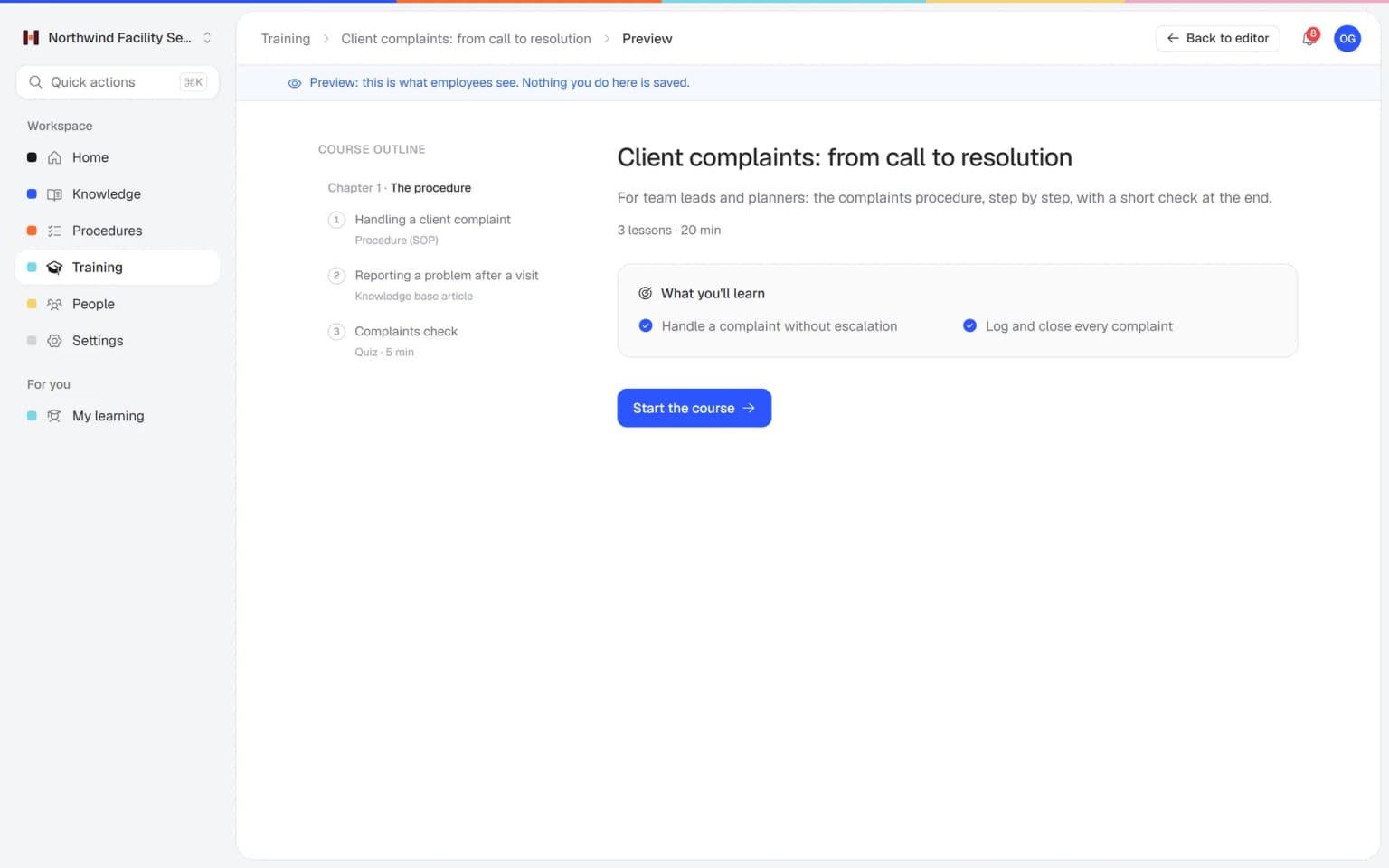
Turn on certificates for a training
Choose whether the certificate expires and after how many months.
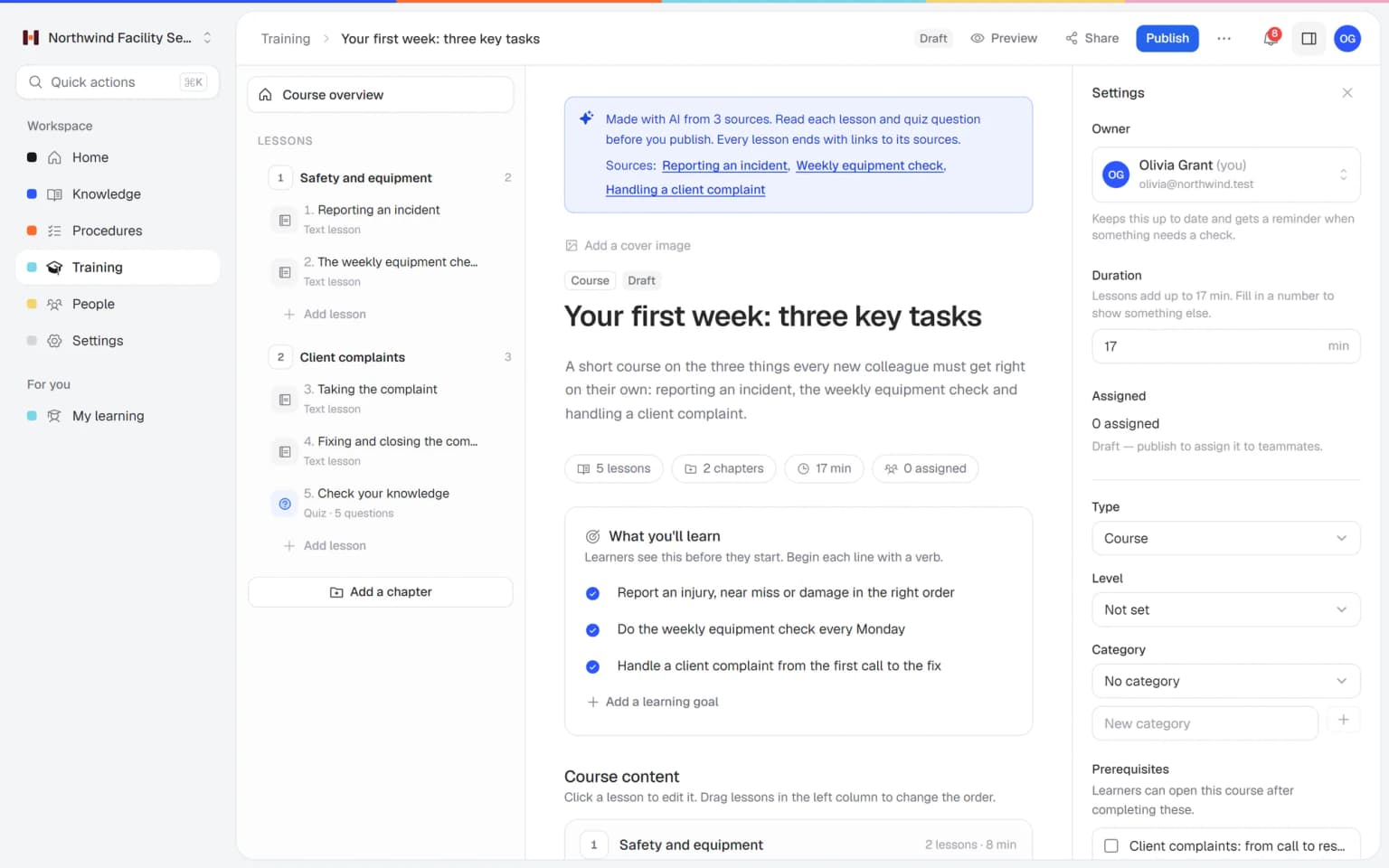
People finish and receive it
When someone completes the training, Helpable issues the certificate. They can download it as a PDF.
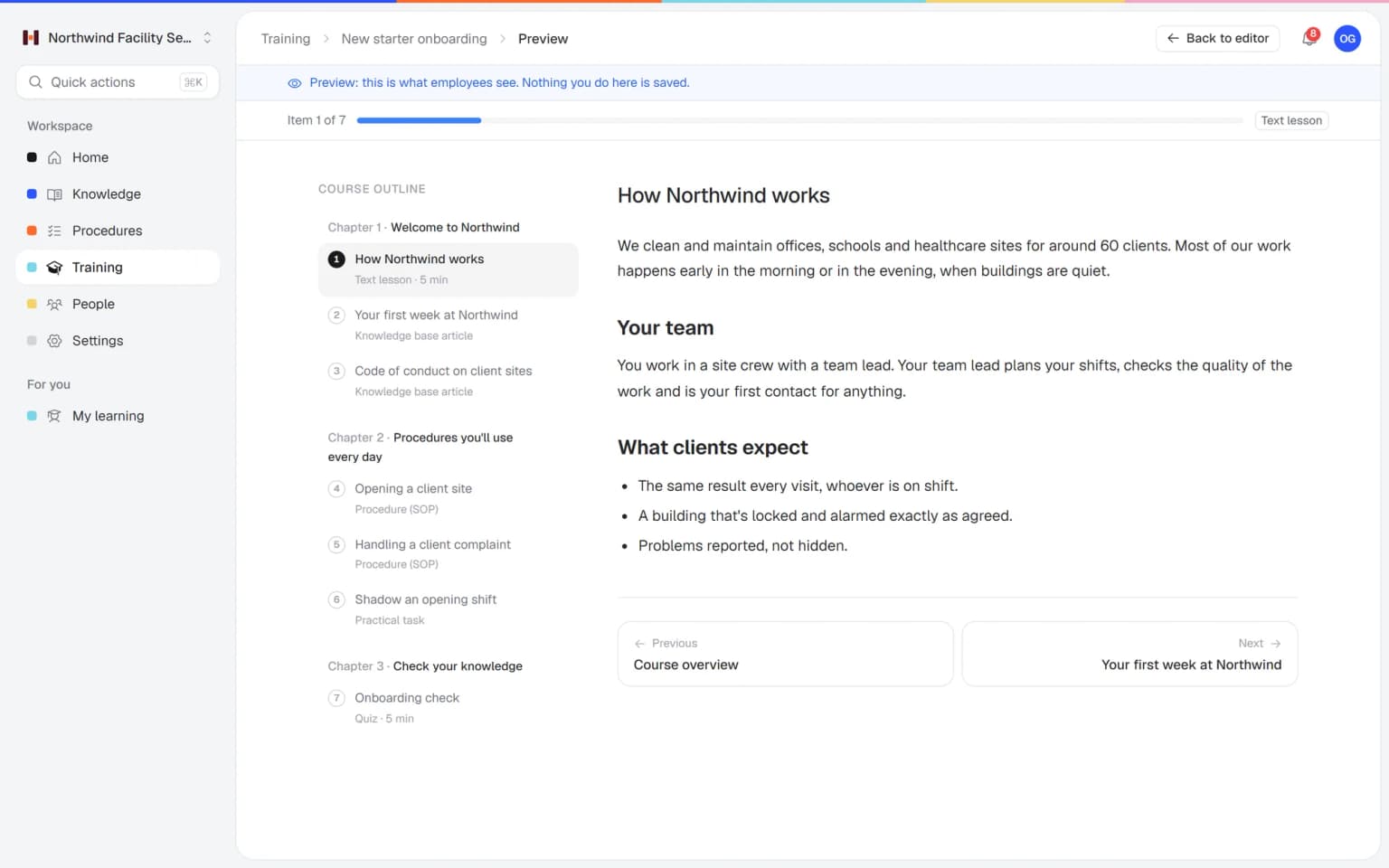
Check, share and renew
Anyone can verify the code online. Before a certificate expires, Helpable sends a reminder to renew it.
- 14 days free
- No credit card needed
Certificates with quizzes and reports give you proof that holds up
Training certificates in Helpable work with quizzes, assigning and reports. Together they show who learned what, and keep that proof current.
A certificate that means they passed
Add a required quiz to the training, so people have to pass it to continue. The certificate follows on completion, and customers can check its code on a public page.
QuizzesEvery certificate in your reports
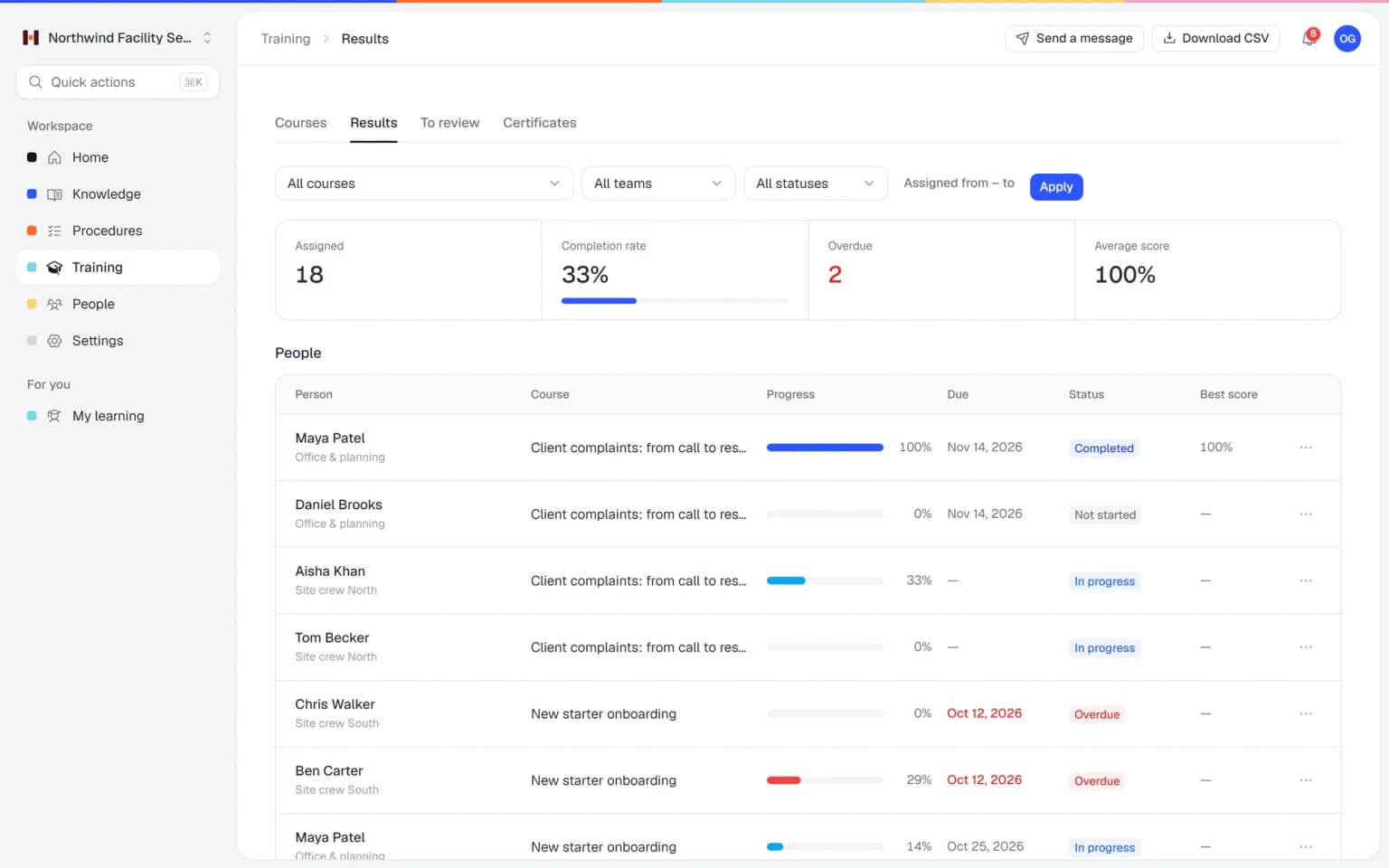
Reports show scores, pass rate and certificates per training, team and employee. Export a CSV when an auditor or customer asks for an overview, and the answer is ready.
Progress and reportsRefreshers that run on their own
Start from a training template, add your own procedures and assign it to a team with a due date that repeats every 12 months. Reminders go out before and after the due date, and each round ends with a new certificate.
Training templates
Certificates mean more with the rest of Helpable
A certificate in Helpable is proof of training. Combined with quizzes, reports and refreshers, that proof stays correct and current.
- + QuizzesOnly people who passed get the certificateAdd a required quiz with a pass mark to the training. The certificate follows on completion, so it shows the person passed the check.
- + Progress and reportsOne overview of who holds which certificateReports show certificates next to completion and scores per training and employee. Export the overview as CSV when a customer or auditor asks for it.
- + Recurring trainingRefreshers that renew the certificateOn Business Max, a training can repeat every 6, 12 or 24 months. People retake it in time, and each round ends with a new certificate.
- + Employee trainingA certificate behind every training you buildTurn on certificates for any training with lessons, video, documents and linked procedures. Employees download the PDF as soon as they finish.
- + ProceduresProof that people know the current procedureLink a procedure to the training and ask people to confirm each new version. Read confirmations and certificates together show who is trained on the latest way of working.
- + Training templatesCertified training from a ready-made startStart from a template such as security awareness or company policies, adjust it and turn on certificates. Your first certified training can be ready the same week.
Anyone can check that a certificate is genuine
Every certificate carries a unique code. Enter it on Helpable's public verification page to check that the certificate is real. That helps when a customer or partner asks for proof of training.
- Customers check it themselves
- No more scans back and forth
- Valid long after you share it
Certificates that take care of themselves
Set them up once, and Helpable handles issuing, reminding and checking.
Issued on completion
A certificate is created the moment someone finishes the training.
PDF download
Download each certificate as a PDF to print, file or share.
Optional expiry
Set how many months a certificate stays valid, or leave the expiry off. Part of Business Max.
Public verification
A unique code lets anyone confirm the certificate on a public page.
Expiry reminders
Helpable sends a reminder before a certificate expires.
Your own design on Business Max
On the Business Max plan you can use custom certificate templates in your own style.
A first version of a training from your own procedures, in minutes
Pick the articles and procedures that matter and AI drafts lessons and quiz questions that link back to their sources. You check it, adjust it and assign it to the people who need it.
- Built from your own knowledge
- Every lesson links to its source
- Quiz questions drafted for you
- Nothing goes live until you approve it
A plan that grows with your team
Try Helpable free for 14 days, no credit card needed. Then pick the plan that fits your team.
Certificates with a PDF and a public check code are part of Business Plus and up. Certificate expiry, renewal reminders and your own certificate templates come with Business Max.
Business
Your knowledge base for team and customers, written faster with AI.
$29/month
Billed monthly
That's $0.95 a day
Start free trial- 3 team members included
- An internal knowledge base and a public help center
- AI writes first versions from your own documents
- Start from what you have: documents, Word files and your website
- Procedures everyone follows, with read confirmations
- Your help center on your own web address
- 250 AI credits per month
- Recommended · your free trial runs on this plan
Business Plus
Train your team on that knowledge: courses, quizzes and progress per person.
$89/month
Billed monthly
That's $2.93 a day
Start free trialEverything in Business, plus:
- 5 team members included
- Training with quizzes, due dates and reminders
- See per person who finished what
- Practice conversations with AI, included
- Video lessons and final tests
- Certificates you can show clients and inspectors
- Results exported in one click
- 3 help centers and 3 internal knowledge bases
- 750 AI credits per month
What's in Business
- 3 team members included
- An internal knowledge base and a public help center
- AI writes first versions from your own documents
- Start from what you have: documents, Word files and your website
- Procedures everyone follows, with read confirmations
- Your help center on your own web address
- 250 AI credits per month
Business Max
Training that runs by itself, and proof of who really knows what.
$179/month
Billed monthly
That's $5.88 a day
Start free trialEverything in Business Plus, plus:
- 9 team members included
- New colleagues get their training automatically
- A fixed onboarding route from day one
- Learning insights: who really studied and who clicked through
- Skills matrix and a training record per person
- Practical work signed off on the floor
- Locations with their own managers
- Refresher training that comes back by itself
- Certificates that expire on time, in your own design
- Your help center fully in your own brand
- 10 help centers and 10 internal knowledge bases
- 1,500 AI credits per month
What's in Business Plus
- 5 team members included
- Training with quizzes, due dates and reminders
- See per person who finished what
- Practice conversations with AI, included
- AI writes first versions from your own documents
- Start from what you have: documents, Word files and your website
- Procedures everyone follows, with read confirmations
- Video lessons and final tests
- Certificates you can show clients and inspectors
- Results exported in one click
- Your help center on your own web address
- 3 help centers and 3 internal knowledge bases
- 750 AI credits per month
Grow when you need to
Add these to Business and up, any time. You only pay for what you use.
- More people
Add people one by one as your team grows, for a fixed price per person on every plan.
$9/month
- A second help center
A help center and handbook for another brand, location or client.
$10/month
- Only your brand
Remove “Powered by Helpable” from your help center. Included in Business Max.
$19/month
- Cancel any time
- Data stored in the EU
What is a training certificate?
A training certificate is a document that shows an employee has completed a specific training. Helpable issues a training certificate automatically when someone finishes a training, as a PDF with a unique code that anyone can verify.
Can training certificates in Helpable expire?
Yes. For each training in Helpable you can set an optional expiry in months. Helpable sends a reminder before a certificate expires, so the employee can retake the training in time. Certificates are part of Business Plus and up, and an expiry date is part of Business Max.
How can a customer check a Helpable certificate?
Every Helpable certificate has a unique verification code. Anyone can enter that code on Helpable's public verification page to check that the certificate is genuine.
Can I use my own certificate design in Helpable?
Custom certificate templates are available on the Helpable Business Max plan. The other plans use Helpable's standard certificate design.
How do I see which employees have a certificate?
Helpable reports show certificates per training, team and employee, next to completion and scores. You can export the overview to CSV.
How do employees renew a certificate in Helpable?
In Helpable you can assign a training to repeat every 6, 12 or 24 months. When the employee completes it again, they receive a new certificate. Recurring training is part of Business Max.
Read more
Read more about this
- Roleplay training for employees: a practical guideHow to let employees practice customer, sales and team conversations before they happen for real, and how to score it.Read the article
- 10 customer service roleplay scenarios, with scoringTen scenarios to practice with your team, each with the situation, how the customer behaves, the goals and what to score on.Read the article
- 9 best onboarding software for small businessHR tools for paperwork and training tools for learning the job, compared for small teams.Read the article
Training certificates: proof of training that stays up to date
What training certificates in Helpable are, how they are issued and checked, how they work with quizzes and reports, and how Helpable compares to other tools.
What is a training certificate?
Helpable issues a training certificate as proof that an employee finished a specific training. The certificate is a PDF the employee can download, with a unique code. Anyone can enter that code on a public page to check that the certificate is genuine.
That helps in daily work. A customer wants to know your team is trained, an auditor asks who learned the safety steps, or a new manager wants to see who is qualified. The answer is in one place, linked to the person and the employee training behind it.
How to issue training certificates step by step
Helpable issues certificates by itself once you turn them on for a training. Add a required quiz with a pass mark if you want the certificate to mean someone passed a check.
Assign the training to people, teams or everyone with a due date. When someone completes it, Helpable creates the certificate right away. The employee sees it on their My training page and downloads the PDF. On Business Max you also set how many months a certificate stays valid, and Helpable sends a reminder before it expires.
Certificates, reports and refreshers together
Helpable shows every certificate in the same progress reports as completion, scores and pass rate. You see per training, team and employee who is qualified, and you export the overview as CSV.
Certificates also pair well with recurring training on Business Max. A training repeats every 6, 12 or 24 months, people get reminders, and each round ends with a new certificate. Link your procedures to the training, and read confirmations show who knows the latest version.
Training certificates for small teams in many sectors
Helpable certificates help any team that has to show who is trained. Teams that work at a customer's site, in cleaning and facility services or installation and maintenance, show safety training to clients.
Care teams in home care and childcare keep protocols current. Hospitality, retail and customer service teams record who finished onboarding and product training. Agencies and SaaS companies certify policies and security awareness. The way of working is the same everywhere: a training, a check and a certificate anyone can verify.
Helpable vs SweetProcess and Trainual for certified training
Helpable fits teams that want training, proof and procedures in one tool. SweetProcess documents procedures, processes and policies and offers quizzes. Trainual offers SOPs, training paths, tests and e-signatures. Easygenerator is an authoring tool that publishes training to your existing learning platform.
Helpable combines training, step-by-step procedures and a knowledge base, with read confirmations on every plan and quizzes from Business Plus. Certificates start at Business Plus. The app is in English and Dutch, data is stored in the EU, and the 14-day trial needs no credit card. Read the SweetProcess alternative and Trainual alternative comparisons.
Which plan includes training certificates?
Helpable includes certificates in Business Plus and up, with a PDF download and a public verification code. Business Plus uses the standard certificate design.
Business Max adds certificate expiry, reminders before a certificate expires, recurring training and your own certificate templates. Compare the plans on the pricing page or read more about training management software.
Give your team certificates that hold up, starting today
Turn on certificates for your first training in a few clicks.
- 14 days free
- No credit card needed
- Cancel any time