A knowledge base reduces support tickets when it answers the questions customers already ask, in the words they use, at the moment they're stuck. Start with your 20 most frequent questions from the last three months, write one complete answer per question that ends with a clear next step, put the help center where customers look before they contact you, and check every month which articles still lead to tickets.
Most knowledge bases that don't reduce tickets fail on one of those four points: they were written from the product's point of view, they stop halfway through the answer, nobody can find them, or they went out of date after the next release. The steps below fix each one.
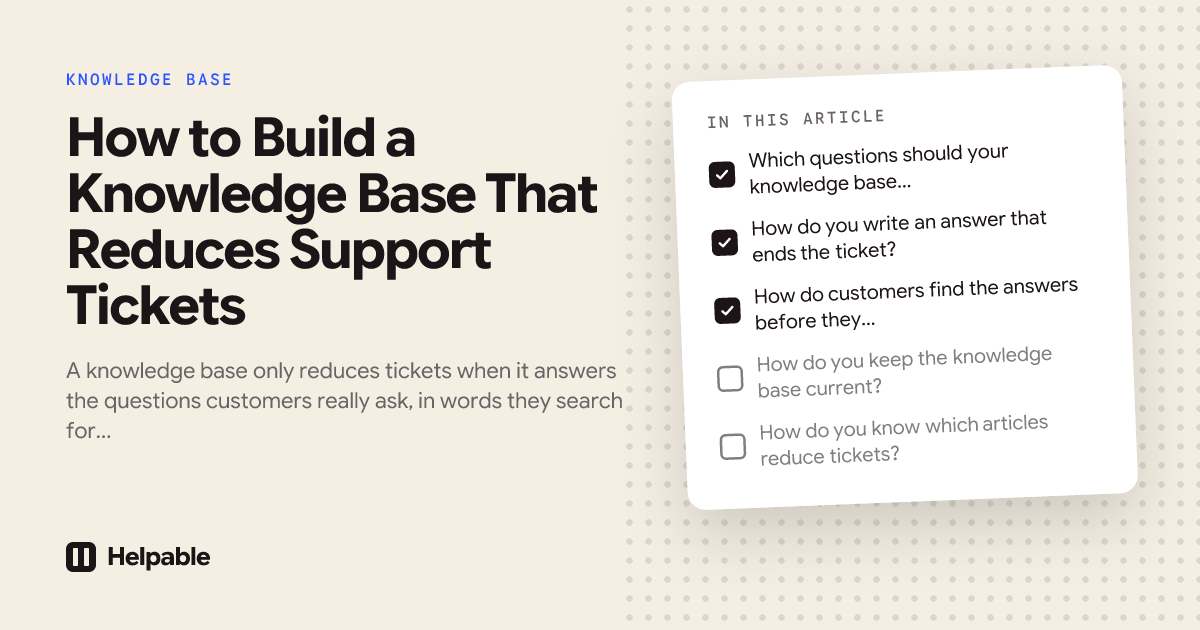
Which questions should your knowledge base answer first?
Answer the questions that create the most tickets first, not the features you're proudest of. Export the tickets from the last three months and tag each one with a short topic, such as "refund timing", "change billing email" or "reset two-factor login". Count the topics and take the top 20. In most teams a small group of topics makes up a large part of the volume, so these 20 articles do most of the work.
Look at the exact words customers use in those tickets. If customers write "I can't get in", the article title shouldn't be "Authentication troubleshooting". Use their words in the title and the first sentence, so search inside the help center and on Google both match what people type.
Some examples of first articles for different kinds of teams:
- SaaS: "I can't log in", "How do I change my password?", "How do I delete my account and my data?"
- Online store: "When will my refund arrive?", "How do I return an item?", "My parcel says delivered but it isn't here"
- Booking business or salon: "How do I move my appointment?", "What is the cancellation policy?"
- Agency or service company: "What happens after I sign?", "How do I give feedback on a delivery?"
How do you write an answer that ends the ticket?
Write the answer so the customer doesn't need to come back. That means the complete steps, the result they can expect and what to do if it doesn't work. A good support article has four parts:
- The answer in the first two sentences. "Refunds reach your account within 5 working days after we receive the item."
- The steps, numbered, with the exact names of buttons and screens.
- What happens next, including how long it takes.
- A way out when the steps don't work: who to contact and what to include, so the ticket that does come in is complete.
Keep one question per article. An article that covers "billing" in general is hard to find and hard to read. Ten short articles that each answer one question work better.
How do customers find the answers before they contact you?
Customers use the knowledge base when it sits on their path to contacting you. Link the help center from the place they start: the contact page, the help menu inside your product, order confirmation emails and the footer of your site. On the contact page, show the three most relevant articles above the form, so a customer with a common question finds the answer first.
Use the same words in titles as customers do, organize articles in a few clear categories, and make the search box the first thing on the help center page. Turn on indexing for public articles so customers who search Google land on your answer instead of a forum post.
How do you keep the knowledge base current?
Give every article an owner and a review date. After every release or policy change, the owner checks the articles that mention it. An article that describes an old screen creates more tickets than no article, because customers follow it and get stuck.
Ask your support team to link an article in every reply where one exists, and to flag an article when the customer still needed help after reading it. Those flags are your to-do list.
How do you know which articles reduce tickets?
Compare two numbers per topic every month: the number of tickets on that topic and the number of views of its article. A topic with many views and few tickets is working. A topic with many views and still many tickets means the article doesn't answer the question; read five of those tickets to see what's missing. A topic with few views and many tickets means customers can't find the article.
Track the searches in your help center that returned nothing. Each one is a question you haven't answered yet.
How Helpable helps
Helpable gives you a public help center for customers and an internal knowledge base for your team in one place. Each article has an owner and a review date, so answers stay current after a change. Your team can ask questions in plain words and gets an answer from your own articles and procedures with the exact source, which helps new support staff give the right answer from their first week. Questions nobody could answer show up as open questions, so you see which article to write next.
Helpable also helps with the tickets that do come in: support staff learn the answers in short trainings with a quiz, and in Business Plus and Business Max they practice difficult customer conversations with an AI customer, by typing or out loud, before they talk to real customers. See knowledge base software and how to reduce repeat support tickets.
Frequently asked questions
How many articles does a knowledge base need to reduce tickets?
Start with the 20 questions that create the most tickets. That set usually covers a large part of your volume. Add an article each time a new question comes in more than a few times a month.
Should the knowledge base replace the contact form?
No. Keep contact easy to reach and show the most relevant articles next to it. Customers who want a person can still reach one, and customers with a common question find the answer first.
How long should a support article be?
As long as the complete answer needs, and no longer. Most answers fit in a short paragraph and a few numbered steps. Put the answer in the first two sentences so people who scan still get it.
How often should articles be reviewed?
Set a review date per article, for example every six months, and check the related articles after every release or policy change. An owner per article makes sure someone does it.
Can AI write the knowledge base for us?
AI can write a good first draft from your existing documents, emails and procedures. A person who knows the product should check every draft before it's published, because a wrong answer creates more tickets than a missing one.
Does an internal knowledge base reduce tickets too?
Yes. When your support team finds the right answer quickly, replies are faster and complete, so fewer customers need to contact you again about the same issue.