Short answer: You likely need an LMS when the same questions keep coming back, new people take weeks to work on their own, and you can't say who learned what. If procedures change and half the team misses it, or a client asks for proof of training, shared docs and chat groups have reached their limit. A team of four in one room may not need one yet.
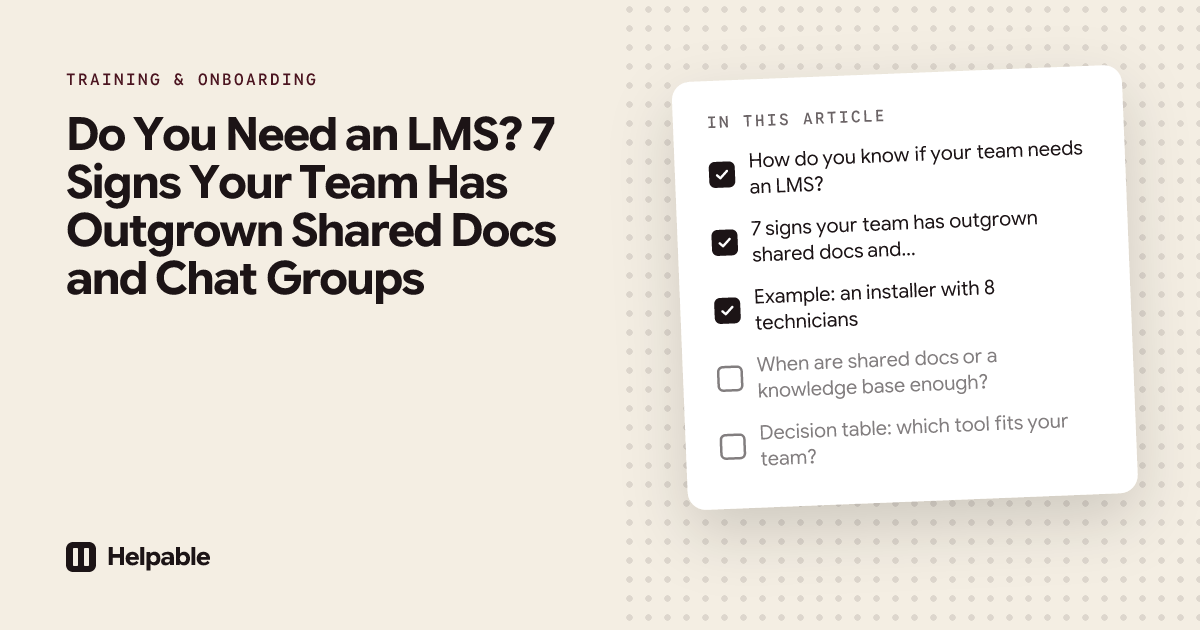
How do you know if your team needs an LMS?
Most small teams start the same way. Someone writes a few documents, puts them in a shared folder and explains the rest in person or in a chat group. That works well for a while. Then the team grows, people start working different hours, and the explaining takes over your week.
An LMS (learning management system) is a tool where you build training, assign it and see who finished it. It is one answer to that problem, though not the only one. Below are seven signs that point toward one. If you recognize three or more, it is worth a closer look at an LMS built for small business.
7 signs your team has outgrown shared docs and chat groups
1. You answer the same questions every week
"Where is the key for the storage room?" "How do I log my hours?" "What do I do when the client isn't home?" The answer exists somewhere, but nobody can find it, so they ask you.
What it costs: your time, every week, and interruptions for your most experienced people. How an LMS helps: the answer goes into a short lesson that new people do before they start, and into a knowledge base where everyone can look it up later. Helpable also has AI search that answers from your own articles and links to the source. For the knowledge side, see internal knowledge base software.
2. New people need weeks before they can work on their own
New hires shadow a colleague for days. What they learn depends on who they shadow and how busy that day is.
What it costs: two people doing one job, and new people who feel unsure for longer than needed. How an LMS helps: every new hire gets the same onboarding training on day one, with a due date, so shadowing can focus on the real work. See how employee onboarding works in Helpable.
3. Nobody knows who learned what
You think everyone knows the new returns policy. You are not sure. There is no list, or the list is a spreadsheet nobody updated since spring.
What it costs: mistakes you discover only when a customer complains. How an LMS helps: progress, scores and certificates are tracked per person as they learn. In Helpable you see this per training, team and employee, and can export it to CSV.
4. A procedure changes and half the team doesn't hear about it
You post the change in the group chat. Half the team is off that day, and the message is buried under twenty others by the time they are back.
What it costs: people doing the old thing, sometimes for months. How an LMS helps: you publish the new version and ask everyone it applies to for a read confirmation. You see who confirmed and who still needs to. More on read and acknowledge.
5. You can't show proof when someone asks
A client, an inspector or a certification body asks how you know staff are trained on safety, hygiene or privacy. You have good intentions and no records.
What it costs: a stressful audit, or a lost contract. How an LMS helps: completed training, quiz scores, certificates and read confirmations sit in one place, ready to export.
6. Important knowledge lives in one person's head
One colleague knows how to set up the machine, handle the big client or close the books. When they are sick or on holiday, things stall. When they leave, the knowledge leaves with them.
What it costs: risk. One resignation can set you back months. How an LMS helps: you write down how the work is done as step-by-step procedures, then turn them into training. Helpable has an AI writer that turns rough notes into a clear procedure. See how teams standardize their processes.
7. Shifts or locations never see each other
The morning team never meets the evening team. Your three shops each do things a little differently. Training everyone at the same time is impossible.
What it costs: different standards per shift or location, and customers who notice. How an LMS helps: everyone learns on their own device at their own time, from the same content. The overview shows each team's progress side by side.
Example: an installer with 8 technicians
Say you run an installation company with 8 technicians. You hire two new people a year. Each new technician rides along for three weeks. You keep instructions in a shared folder and a group chat.
Go through the seven signs:
| Sign | Applies? | What it looks like |
|---|---|---|
| Same questions every week | Yes | "Which form do I fill in after a job?" |
| New people need weeks | Yes | Three weeks of riding along |
| Nobody knows who learned what | Yes | No record of who knows the new heat pump |
| Changes get missed | Yes | New safety rule sent by chat, two people missed it |
| No proof when asked | Sometimes | A large client asked once for safety training records |
| Knowledge in one head | Yes | Only the owner knows the warranty process |
| Shifts never meet | No | Everyone starts at the yard in the morning |
Five clear yeses. An LMS makes sense here. A sensible start: write the five most common jobs as procedures with photos, build one onboarding training around them, and ask everyone to confirm the new safety rule. The ride-along stays, but the new technician arrives knowing the basics.
When are shared docs or a knowledge base enough?
Being honest: plenty of teams don't need an LMS yet. Shared documents or a knowledge base can be enough when:
- you are five people or fewer and work in the same place;
- you hire rarely, say once a year or less;
- your work changes little from month to month;
- nobody asks for proof of training.
There is also a middle step. If your main problem is that people can't find information, a knowledge base alone may solve it. If your problem is that people don't learn it, or you can't prove they did, you need training on top. Our article on LMS vs knowledge base vs SOP software explains the difference in detail.
Decision table: which tool fits your team?
| Your situation | What usually fits |
|---|---|
| Under 5 people, one location, few changes | Shared folder or a simple document |
| People can't find answers, but learn fine once they do | Knowledge base |
| Work depends on steps done the same way every time | Procedures (SOP software) |
| Regular new hires, shifts or locations, or proof needed | LMS with procedures and knowledge in the same place |
| Hundreds of employees, complex HR rules | Large company LMS |
If you land on the fourth row, our guide on how to choose learning management software for a small business helps you compare tools.
How to test it in 14 days with one procedure and one new colleague
You don't need to move everything at once. Try this:
- Day 1: pick the procedure you explain most often. Write it down step by step.
- Day 2: build a short training around it: the procedure, one lesson on why it matters and three quiz questions.
- Day 3: assign it to your newest colleague with a due date at the end of the week.
- During the week: check the progress. Did they finish? Which quiz question did they get wrong?
- End of the trial: ask yourself if it saved you time, and if you now know something you didn't before.
If the answer is yes twice, you have your answer.
Where Helpable fits
Helpable is training software and an LMS for teams of 5 to 50 people, with your knowledge base and procedures in the same tool. Plans start at $29 a month for up to 3 team members, with a 14-day free trial and no credit card needed.
It covers all seven signs in one place: a knowledge base with AI search, step-by-step procedures, training with quizzes and certificates, read confirmations per version, reminders, and reports per person and team. It runs in the browser on phone, tablet and laptop, and data is stored in the EU.
When Helpable is not the right fit
- You only need a place to store documents and nobody needs to learn or confirm anything.
- You need SCORM import or export, or a direct link with your HR or payroll system.
- You need a native app from the app store.
- You run a school, or want to sell courses to the public.
FAQ
Do I need an LMS for a small team?
You do when training takes up a lot of your time, new hires take weeks to settle in, or you need proof of who learned what. A team of a few people in one place with few changes can often manage with shared documents.
What is the difference between an LMS and a shared drive?
A shared drive stores files. An LMS assigns training, reminds people and records who finished it, with scores and certificates.
Is a knowledge base enough instead of an LMS?
Sometimes. A knowledge base helps people find answers. It doesn't check that they learned them or give you proof. Many small teams need both, which is why Helpable keeps them in one tool.
At what team size does an LMS make sense?
Team size matters less than how you work. Shifts, several locations, regular hiring and proof requirements are stronger signals than headcount.
How much time does an LMS take to manage?
With a tool built for small teams, you can set up a first training in an afternoon. Reminders and tracking run by themselves, so the weekly upkeep stays small.
Can I start small?
Yes. Start with one procedure and one new colleague. Add more training once you see it work.
Try it with one procedure
Pick the thing you explain most often and turn it into your first training. Start your free trial and test it with one procedure and one new colleague.