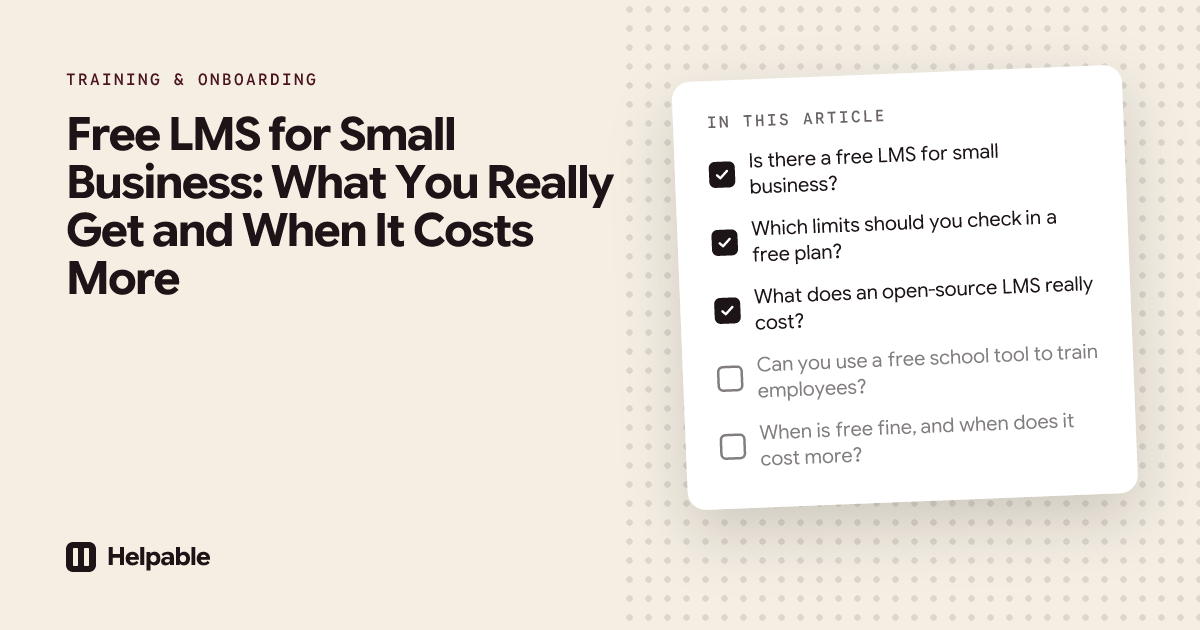
Short answer: Free LMS options come in four kinds: free plans with limits, open-source software you host yourself, free school tools, and free trials of paid tools. A free plan suits one simple training in a tiny team. Open source costs admin time. School tools miss workplace features. For most teams of 5 to 50, a well-planned free trial is the cheapest way to find the right tool.
"Free" can mean very different things, and each kind has a different catch. This guide explains what you really get, which limits to check, and when free ends up costing more than a paid plan. It ends with a day-by-day plan to get the most out of a free trial. If you already know you will pay for a tool, you can compare plans on the pricing page.
Is there a free LMS for small business?
Yes. You can train a small team with a free tool, as long as you know which kind of free you are using and where its limits are. The table below shows the four kinds.
| Kind of free | What you get | Typical limits | Real cost | Fits when |
|---|---|---|---|---|
| Free plan of a paid tool | A working LMS with a cap on users, training or features | A handful of users, a few trainings, basic reports, vendor branding | The upgrade when you hit a limit | One simple training for a very small team |
| Open-source LMS | Full software you install and run yourself | None in the software; you are the limit | Hosting, updates, security and support time | You have an IT person with time to spare |
| Free school tool | A classroom tool built for teachers and students | Built around classes and grades | Missing workplace features, workarounds | One-off training for a few people |
| Free trial of a paid tool | Everything in a paid plan, for a set number of days | Ends after the trial | Nothing, if you decide in time | You want to test properly before you pay |
Which limits should you check in a free plan?
Free plans are designed to show you the tool and then move you to a paid plan. That is fair, but check where the line sits before you invest time in building training.
- Users: how many people can you add? Does it include managers?
- Training: how many trainings or lessons can you publish?
- Video and storage: can you upload video, and how much?
- Quizzes and certificates: are they included, or paid extras?
- Reports and export: can you see progress per person and export it?
- Branding: does the vendor's logo appear on everything?
- Support: is there any help if you get stuck?
- Data export: can you take your content with you if you leave?
- AI features: are they available, and how many uses?
- The first paid step: what does the next plan cost, and is it monthly or yearly only?
The last point matters most. A free plan that jumps to a large yearly contract the moment you add one more person is not cheap. Our guide on how much an LMS costs shows how different pricing models play out for 10, 25 and 50 people.
What does an open-source LMS really cost?
Open-source software is free to download. Running it is not. Someone has to host it, keep it updated, fix it when a plugin breaks and help colleagues who cannot log in. Use this worksheet to estimate the time for your situation.
| Task | How often | Your estimate (hours per month) |
|---|---|---|
| Hosting and backups | Monthly | |
| Software and plugin updates | Monthly, plus urgent security fixes | |
| Fixing problems after updates | When they happen | |
| User accounts and password resets | Weekly | |
| Setting up training, quizzes and reports | Ongoing |
Say the total comes to 5 hours a month, and that person's time is worth €40 an hour. That is €200 a month in time, plus hosting. For a team with an IT person who enjoys this work, open source can be a good choice. For a cleaning company or a restaurant, those hours usually come from the owner.
Can you use a free school tool to train employees?
You can, for a small, one-off training. School tools are built for classes, semesters and grades. Employee training needs deadlines per role, refreshers, step-by-step procedures and proof for audits. Read more in our guide on using Canvas, Moodle or Google Classroom to train employees.
When is free fine, and when does it cost more?
Free is fine when:
- you train fewer people than the free plan allows, and that will not change soon;
- you need one simple training, such as house rules or a welcome tour;
- you do not need proof of training for clients, inspectors or insurers;
- someone on your team has time to run open-source software.
Free costs more when:
- you have to rebuild your training after outgrowing the free plan;
- the owner spends evenings on updates and password resets;
- you cannot show who completed which training when an auditor asks;
- people skip training because it is hard to use on a phone;
- the first paid step is a large yearly contract.
How do you get the most out of a free LMS trial?
A free trial gives you the full tool, but trials are short. If you have no plan, most of the days go by before you build anything real. Follow this plan in any tool you test. It is written so you can follow it step by step in Helpable, but the same days work elsewhere.
Before day 1, pick one role (for example, a new cleaner or a new kitchen assistant) and gather the documents you already have for it: a handbook, a few procedures, a checklist.
A day-by-day plan for a 14-day free trial
| Day | What you do | What it tells you |
|---|---|---|
| 1 | Sign up, name your workspace and invite one colleague to help | Can you start right away, with no sales call? |
| 2 | Upload your handbook or policy (PDF or Word) and review the drafts you get | How much of your existing material can you reuse? |
| 3 | Write or import two or three procedures for the role, with photos | Can people follow steps on the job? |
| 4 | Build your first training from a template or with AI from your own articles and procedures | How fast can you get a real training ready? |
| 5 | Add a short quiz with a pass mark, and turn on a certificate | Is checking understanding simple? |
| 6 | Preview the training as an employee, on your own phone | Will your team find their way? |
| 7 | Publish and assign it to two or three people with a deadline | Do assigning and reminders work for you? |
| 8 | Ask those people to do the training on their phones and tell you where they got stuck | Is it easy for real employees? |
| 9 | Open the progress report and look at the quiz results | Can you see who is ready? |
| 10 | Change one procedure, publish the new version and ask the team to confirm they read it | Do changes reach everyone? |
| 11 | Ask the knowledge base ten questions your new people usually ask | Can people find answers on their own? |
| 12 | Set up a rule that assigns the training to every new team member | Will onboarding run by itself? |
| 13 | Export the progress report and work out the price for your team size | Do you have proof, and do you know the cost? |
| 14 | Score the tool, decide, and pick a plan or move on | Is this the tool for you? |
If your trial is shorter or longer, keep the order and squeeze or stretch the days. The steps that matter most are 4, 8 and 10: building a real training, watching real employees use it, and pushing through a change.
How to score the trial
Give each line a score from 0 (did not work) to 2 (worked well):
| Question | Score (0 to 2) |
|---|---|
| We built a real training from our own material within a day | |
| Employees finished it on their phones with no help | |
| We can see who is done and who is late | |
| A changed procedure reached everyone | |
| People found answers in the knowledge base | |
| The price fits our budget for the next year |
Ten or more out of 12 is a strong sign. Below 8, keep looking.
A worked example: a childcare centre with 16 staff
A childcare centre has 16 staff, working in shifts, with a few new people each year. They need everyone to know the safety and hygiene protocols, and they must show the inspector who was trained.
The manager looks at the four kinds of free:
- A free plan: the one they find allows fewer than 16 users, and certificates are a paid extra. It would work for a pilot, and the whole team would need a paid plan.
- Open source: nobody on the team has IT skills, and the manager already works long days.
- A school tool: it is built around classes, and gives no clear way to see who read the latest version of a protocol.
- A free trial: the manager follows the day-by-day plan, building one training on the safety protocol, uploading the hygiene policy, and asking three colleagues to complete it during their shifts.
By day 14, they know three things: staff can finish a lesson on their phones during a quiet moment, the manager can show the inspector who completed the protocol training, and the monthly price fits the budget. They pick a plan and roll the training out to the whole team.
What does Helpable offer for free?
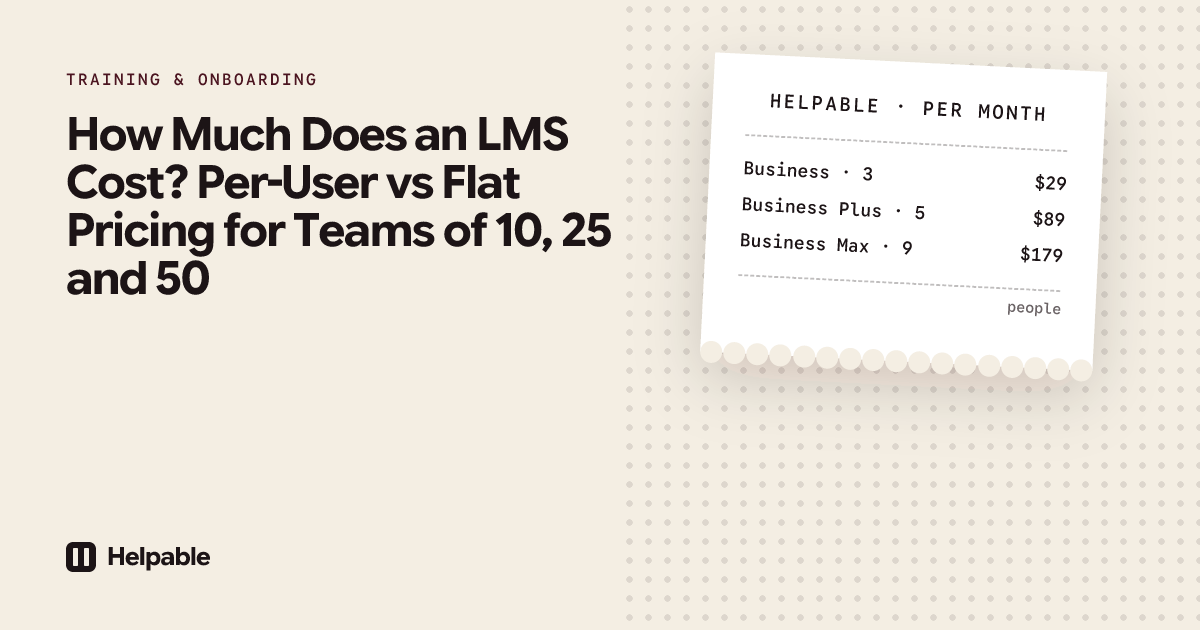
Helpable is training software and an LMS for teams of 5 to 50 people, with your knowledge base and procedures in the same tool. Plans start at $29 a month for up to 3 team members, with a 14-day free trial and no credit card needed.
To be clear: Helpable has no free plan. You get a 14-day free trial with no credit card. The trial runs on Business Plus, so you can also test automatic assignment for new team members, as in day 12 of the plan.
During the trial you can:
- start from one of six training templates, such as employee onboarding or company policies;
- turn your own handbook, articles and procedures into a training with the AI course creator;
- add quizzes, certificates and read confirmations;
- invite your team, assign training with deadlines and follow progress per person.
When the trial ends and you have not picked a plan, you can still read everything, but you cannot add or change content. Your content stays, and you carry on as soon as you pick a plan.
When Helpable is not the right fit
- You need a free plan for the long term.
- You need to import SCORM or xAPI packages.
- You want to sell training to people outside your company.
- You are a school.
- You need a native mobile app; Helpable works in the browser on phone, tablet and laptop.
FAQ
Is there a completely free LMS?
Yes. Open-source LMS software is free to download, and some paid tools have free plans. Open source costs hosting and admin time, and free plans have limits on users, training or features.
Is an open-source LMS really free?
The software is free. Hosting, updates, security fixes and support are not. Estimate the hours per month before you choose it.
What is the best free LMS for a small business?
The one whose limits you will not hit soon. Check the user limit, quizzes, certificates, reports and the price of the first paid step. For many teams, a free trial of a paid tool, used with a plan, gives a clearer answer than a free plan.
Does Helpable have a free plan?
No. Helpable has a 14-day free trial with full access to Business Plus. After that, plans start at $29 a month.
Do I need a credit card for the Helpable trial?
No. You can start the trial with no credit card.
What happens when the Helpable trial ends?
You can still read everything, but you cannot add or change content until you pick a plan. Your content stays.
Can I use Google Classroom to train employees?
For a very small, one-off training, it can work. It is built for teachers and students, so it misses features such as deadlines per role, refreshers and procedures.
Start your trial and follow the plan
Pick one role, gather the documents you already have, and give the day-by-day plan a real try. Start your 14-day free trial and see whether Helpable fits your team.